8 Best Online AI Music Video Generators 2026: Lyrics, Visuals, Animation

In 2026, you don’t need a $10,000 budget and a film crew to release a music video. You need your MP3 file and the right AI tool.
But “AI video” is confusing. Some tools generate trippy cartoons from scratch. Others just make your logo pulse to the beat. Choosing the wrong one wastes hours of rendering time.
We tested and categorized the best tools into three buckets: Generative Art (creating new footage), Visualizers (audio-reactive loops), and Lyric/Content (engaging text video). Here are the 8 best online AI music video generators for 2026.
According to Statista, the AI video generation market is projected to grow rapidly through 2026, with music and social content driving a significant share. This guide helps you pick the right tool for your workflow.
Which Type of Music Video Do You Need?
Pick Your Style
Generative Video
You type a prompt ("Cyberpunk city, neon rain") and the AI creates a brand new animated video from scratch. Best for official music videos.
Audio Visualizer
Graphics that pulse and react to your drum and bass frequencies. Best for beats and "Stream Soon" loops.
Lyric and Reaction Video
Video focused on the words and the artist. Best for TikTok, Reels, and karaoke.
Top 8 AI Music Video Generators Comparison 2026
| Rank | Tool Name | Type | Key Features | Best for |
|---|---|---|---|---|
| 1 | Kaiber | Generative | Text-to-video, style transfer, audio reactivity | Official music videos |
| 2 | Runway | Generative | Motion Brush, cinematic, short clips | Filmmakers, short clips |
| 3 | LTX Studio | Generative | Scenes, character consistency, narrative | Story-driven music videos |
| 4 | Vizzy.io | Visualizer | Browser-based, spectrum, beat sync, free | YouTube, streams |
| 5 | Renderforest | Visualizer | Templates, 3D logo, bass-reactive | DJs, quick visualizers |
| 6 | ScreenApp | Lyric / Content | Auto-lyrics, Reaction Mode, clips, .SRT export | TikTok, Reels, lyric videos |
| 7 | Rotor Videos | Lyric / Canvas | Mood-matched stock, 8-second loops | Spotify Canvas |
| 8 | Kapwing | Lyric / Editor | Kinetic typography, collaborative editor | Manual lyric video edits |
Quick recommendation: For generative art, Kaiber leads. For free visualizers, Vizzy.io. For lyric extraction and social clips, ScreenApp.
Category 1: Best for Generative Art (Text-to-Video)
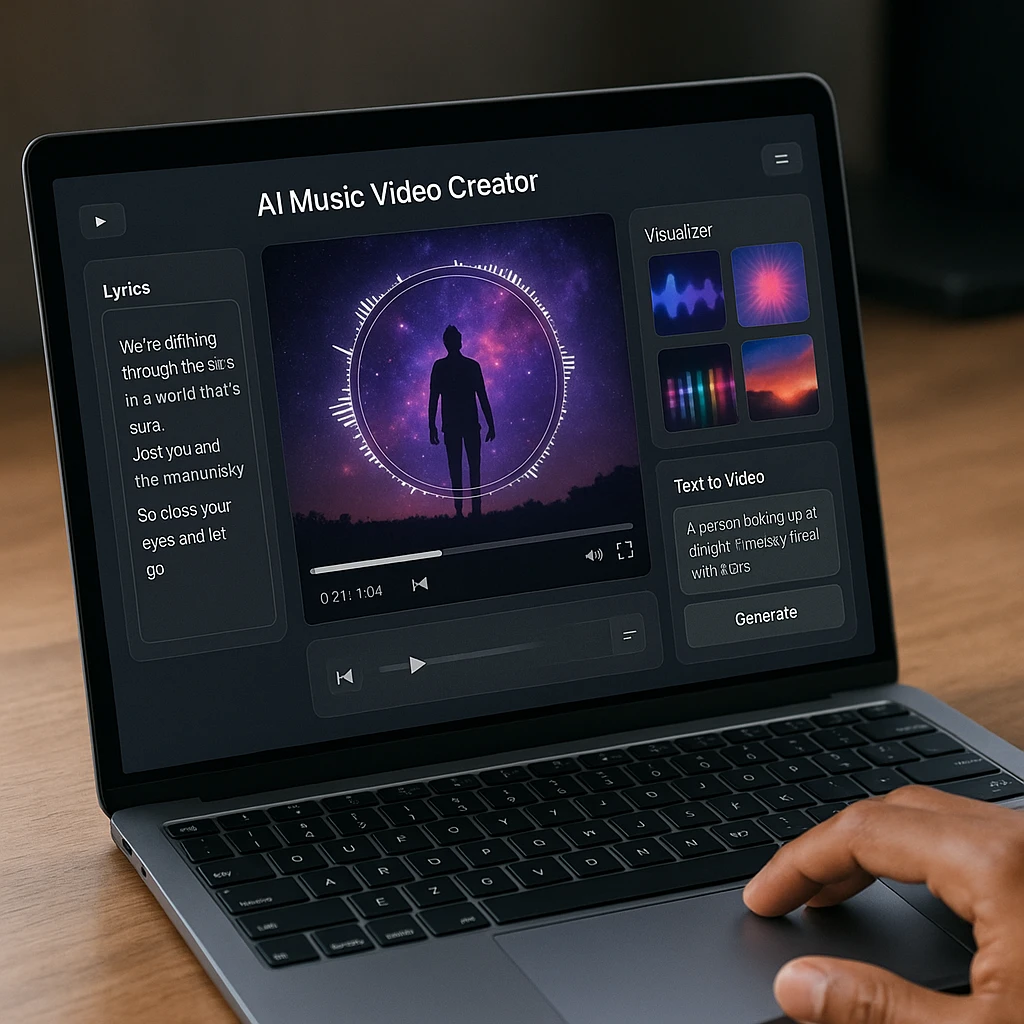
Tools that turn a text prompt into new animated or cinematic footage. Ideal for full music videos with a distinct look. If you want to learn how other AI video tools compare, see our roundup of the best free AI video generators.
Kaiber
The tool used by Linkin Park and Kid Cudi for AI-generated music visuals
Why It Stands Out: Kaiber creates full-length, trippy, frame-by-frame animated videos. You get incredible style transfer (e.g. "Make my video look like a watercolor painting") and audio reactivity so the image pulses with the snare drum.
Key Features
Pros
- •Strong style transfer and artistic control
- •Audio reactivity syncs visuals to the beat
- •Used by major artists for official videos
- •Full-length video generation from prompts
Cons
- •Rendering can be slow for long songs
- •Paid credits can get expensive for full tracks
- •Requires trial and error for best results
Best For
Official music videos and artists who want generative art with beat-synced motion.
Runway Gen-2 / Gen-3
High-end text-to-video AI for cinematic, realistic shots
Why It Stands Out: Runway delivers realistic, cinematic footage rather than cartoons. The Motion Brush lets you control exactly which part of the image moves, so you can craft precise, film-like sequences.
Key Features
Pros
- •Motion Brush for precise control
- •High-quality, realistic output
- •Cinematic shots that feel like real footage
Cons
- •Steep learning curve
- •Better for short clips than full 3-minute songs
- •Credits required for longer renders
Best For
Filmmakers and creators who want realistic, cinematic shots rather than animated styles.
LTX Studio
Scene-based tool for music videos with narrative and character consistency
Why It Stands Out: A 2026 tool that builds "Scenes" so you can keep the same character across different shots. Ideal for music videos with a plot or recurring visual theme.
Key Features
Pros
- •Scene-based workflow for multi-shot videos
- •Character consistency across cuts
- •Supports narrative-driven music videos
Cons
- •New tool; still evolving
- •Requires planning for best results
Best For
Music videos with a narrative or plot and consistent characters across cuts.
Category 2: Best for Visualizers (Audio-Reactive)
Graphics that pulse and react to your audio. Perfect for spectrum-style YouTube videos, beat loops, and DJ content. For more ways to work with audio and video, check out our guide on YouTube to MP3 and audio extraction.
Vizzy.io
Browser-based music visualizer for quick spectrum and beat-sync videos
Why It Stands Out: Totally runs in the browser. You can quickly make a spectrum video where the bars jump to the beat, ideal for YouTube. Free with no watermarks on basic plans.
Key Features
Pros
- •Runs entirely in the browser
- •Free tier with no watermark on basic plans
- •Quick spectrum and waveform visuals
Cons
- •Limited customization compared to desktop tools
- •Output styles are basic
Best For
Quick spectrum or beat-sync videos for YouTube and streams.
Renderforest
Template-based maker for 3D logo reveals and bass-reactive visuals
Why It Stands Out: Thousands of pre-made templates (e.g. Cassette Tape, Neon Speaker) that pulse to the bass drop. Great when you need a quick 3D logo reveal without building from scratch.
Key Features
Pros
- •Thousands of ready-made templates
- •3D logo reveals and audio-reactive themes
- •No design skills required
Cons
- •Limited customization beyond templates
- •Watermark on free exports
Best For
DJs and producers who need a fast 3D logo or visualizer that reacts to the drop.
Category 3: Best for Lyric and Content Videos
Focus on words and the artist. Ideal for TikTok, Reels, karaoke, and lyric-focused content that people actually read and engage with. If you need to record and convert audio to text, these same tools can help with music and spoken content alike.
ScreenApp
Don't just make a pretty background. Make content people read and engage with.
Why It Stands Out: Upload your music video or MP3 and ScreenApp's AI video watcher extracts accurate lyrics with timestamps. Use Reaction Mode to record yourself reacting to your track, then overlay lyrics automatically. Turn one official video into many TikTok clips by pulling out the chorus or hook with one click.
Key Features
Pros
- •Auto-lyrics from video or MP3 with timestamps
- •Reaction Mode plus lyric overlay for social content
- •Repurpose one video into many clips (e.g. chorus for TikTok)
- •Clean, ad-free interface
- •Export lyrics as .SRT for any editor
Cons
- •Not a generative video tool (no AI visuals)
- •Premium features for heavy users
Best For
Artists promoting music on TikTok and Reels, lyric videos, and karaoke-style content.
Rotor Videos
Intelligent stock footage engine for Spotify Canvas
Why It Stands Out: You upload the song; the tool listens to the mood and automatically picks stock footage that fits the vibe. Perfect for those 8-second looping videos on Spotify.
Key Features
Pros
- •AI picks stock footage to match song mood
- •Built for Spotify Canvas format
- •Quick loop generation
Cons
- •Limited to short loops
- •Stock footage style may not fit all genres
Best For
Creating 8-second Spotify Canvas loops that match the track's mood.
Kapwing
Collaborative online editor for kinetic typography and lyric videos
Why It Stands Out: Collaborative online editor for manually editing moving-text (kinetic typography) lyric videos. Pair it with auto-generated subtitles or lyric exports from another tool for full control over timing and style.
Key Features
Pros
- •Collaborative online editor
- •Full control over kinetic typography
- •Works with .SRT subtitles
Cons
- •Manual editing required
- •Time-consuming for long videos
Best For
Manually crafting kinetic typography and lyric-focused edits with full control.
Step-by-Step: How to Make a Viral Lyric Video with ScreenApp
If you want to know how to make a music video with AI that people actually watch, lyric-focused clips often outperform pure visuals. This workflow uses ScreenApp for lyric extraction and clips. For related workflows, see our guide on video downloaders for sourcing reference clips.
Upload your song (MP3) or draft video to ScreenApp
Use the AI video watcher or upload flow. MP3 and video both work.
Click Transcribe to generate the full lyric sheet with timestamps
You get accurate lyrics and timings in one go, which you can export as subtitles (.SRT) or use in-clip.
Use Summarizer or Clips to find the Hook (the catchiest 15 seconds)
Identify the chorus or hook so you can turn it into a short TikTok or Reel clip.
Export lyrics as subtitles (.SRT) and overlay them on a looping background for TikTok
Combine the exported .SRT with a simple background (or a visualizer) in any editor. For more on short-form video, see our best AI TikTok transcript generator.
FAQ
Can AI generate a whole music video from just an MP3?
Yes. Tools like Kaiber or Rotor analyze the audio’s BPM and mood, then generate visuals that match the beat automatically.
How do I make a Spotify Canvas video?
You need a vertical (9:16) video that is 3 to 8 seconds long. Rotor is great for this, or you can generate a short loop in Runway and resize it.
Is it copyright infringement to use AI visuals?
Generally, no. Visuals created by tools like Kaiber or Runway are unique generations. You own the copyright to your song; the copyright status of AI-generated images is still a grey area in 2026 and is often considered public domain. For current guidance on AI and copyright, see the U.S. Copyright Office position on AI. For legal nuance, consult a lawyer.
What is the best free AI music video generator?
Vizzy.io is best for free visualizers. ScreenApp offers a generous free tier for generating lyric transcripts and clips.
Can AI sync the video to the beat?
Yes. Look for “Audio Reactivity” or “beat sync” features. In Kaiber, you can set the React strength so the camera zooms in when the bass drum hits.
Conclusion: The Visuals Matter as Much as the Audio
In the age of TikTok, a song without a video is invisible. Whether you want a full anime-style journey or just a clean lyric video, AI tools let you create visuals that match your sound.
Pick your bucket: generative art (Kaiber, Runway, LTX Studio), audio visualizers (Vizzy, Renderforest), or lyric and content (ScreenApp, Rotor, Kapwing). Then use the right tool for the job. For more on turning audio into editable content, see our best AI lyrics extractor and how to convert videos to GIFs.
Ready to turn your audio into video?
Start with ScreenApp to extract your lyrics and create your social clips today.
Start with ScreenApp - FreeFAQ
Yes. Tools like Kaiber or Rotor analyze the audio's BPM and mood, then generate visuals that match the beat automatically.
You need a vertical (9:16) video that is 3 to 8 seconds long. Rotor is great for this, or you can generate a short loop in Runway and resize it.
Generally, no. Visuals created by tools like Kaiber or Runway are unique generations. You own the copyright to your song; the copyright status of AI-generated images is still a grey area in 2026 and is often considered public domain. For current guidance on AI and copyright, see the U.S. Copyright Office position on AI. For legal nuance, consult a lawyer.
Vizzy.io is best for free visualizers. ScreenApp offers a generous free tier for generating lyric transcripts and clips.
Yes. Look for "Audio Reactivity" or "beat sync" features. In Kaiber, you can set the React strength so the camera zooms in when the bass drum hits.