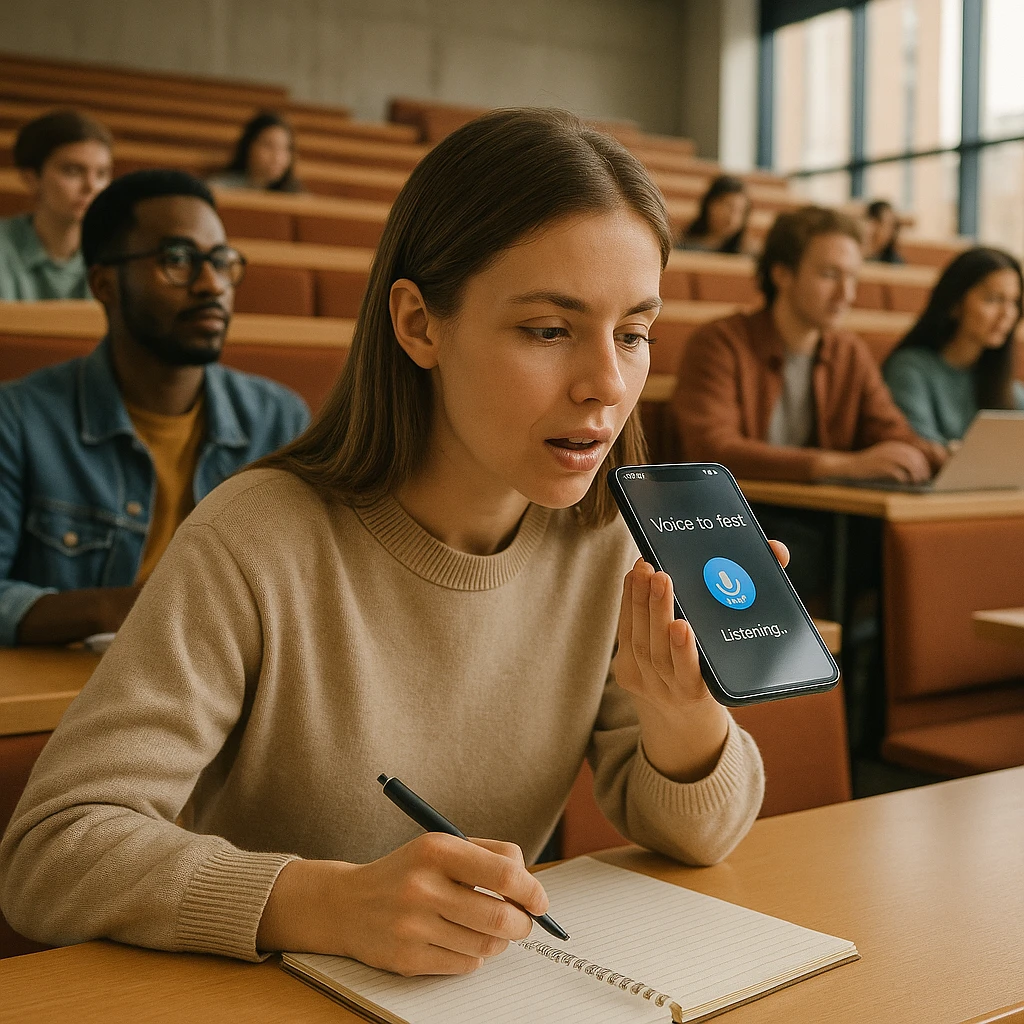
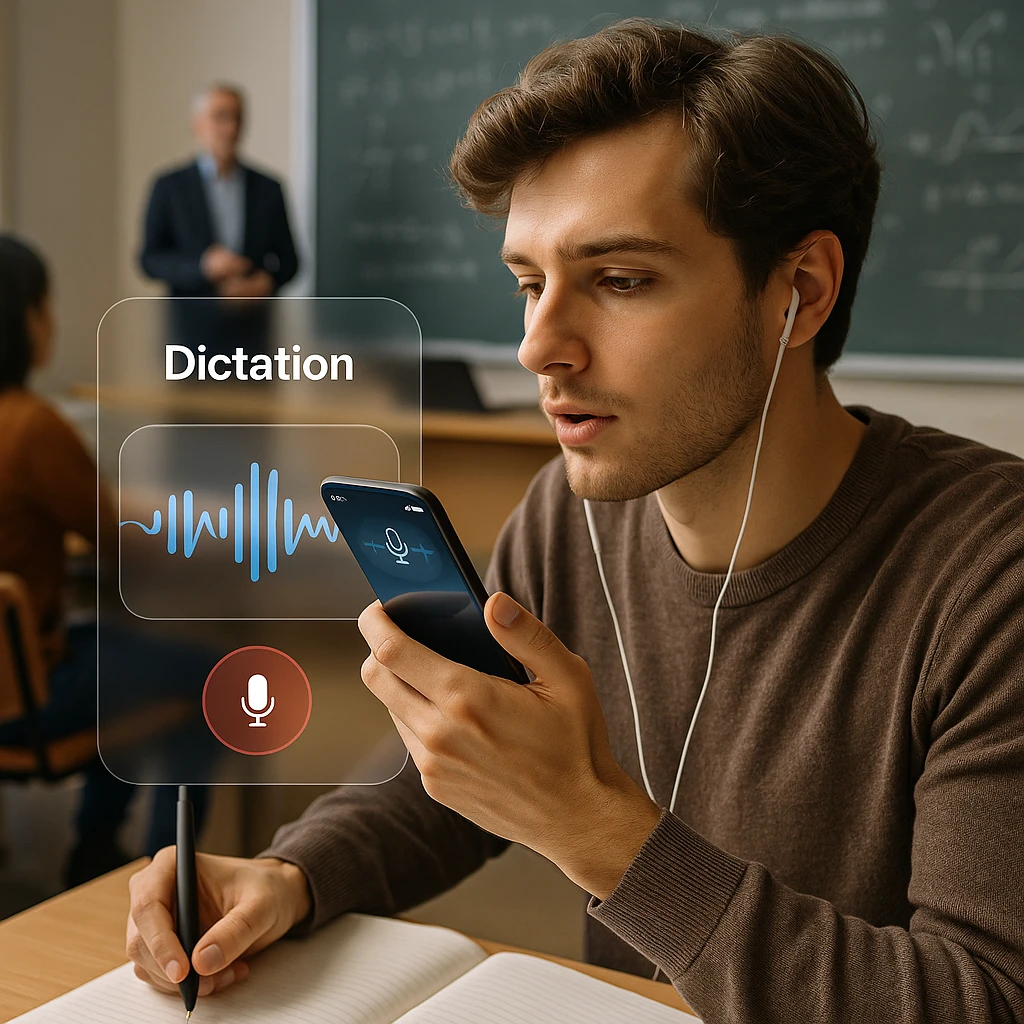
Struggling to keep up with a fast-talking lecturer while your hand cramps from writing notes? Worried you missed a key definition for your upcoming exam while trying to capture everything? In 2026, there’s a smarter way to take notes in class.
The best dictation apps for students and powerful lecture transcription tools have transformed modern studying. They act as your personal note-taker, freeing you to listen, absorb, and engage in the lecture, confident that you’ll have a perfect, searchable transcript later.
This guide breaks down the top 8 apps and online tools for iPhone and Android, helping you find the perfect solution to ace your studies, from capturing lectures to dictating your next essay.
Quick Picks: The Best Dictation App for Your Study Needs
| Best For | Tool Name | Platform(s) | Key Feature |
|---|---|---|---|
| Recording & Transcribing Lectures | ScreenApp | Web | Lecture transcription & AI summaries |
| Quick Voice Notes & Ideas | Gboard / Apple Dictation | Built-in on Android / iPhone | Instant voice-to-text |
| Dictating Essays (Online) | Google Docs Voice Typing | Web (in Chrome) | Free with voice commands |
| Best Free Lecture Transcription | Microsoft Word (Online) | Web | Upload audio files for transcription |
IMPORTANT: A Note on Academic Ethics and Getting Permission
The 8 Best Dictation - Lecture Capture Tools for Students
Category A: Best for Recording - Transcribing Live Lectures
ScreenApp
Best for Recording and Instant Transcribing Lectures with AI Notes
ScreenApp lecture transcription helps you capture lectures, turn audio into clean notes, and generate summaries you can review before exams. It’s a strong pick when you want one place for recording, transcription, and study-ready outputs.
Pros
- • Lecture transcription + summaries in one workflow
- • Easy to review and share notes
- • Works on the web (no heavy install)
Cons
- • Best results require clear audio
- • Internet connection required
Pricing
Free: Basic usage
Paid: Higher limits and advanced features
Otter.ai
Best for Recording and Transcribing Live Lectures
Otter.ai can identify different speakers (lecturer vs. student questions), allows you to add photos of presentation slides directly into the transcript, and its AI-generated summary is perfect for exam revision. According to Statista, the AI transcription market is expected to reach $4.1 billion by 2027, reflecting the growing demand for these tools in education.
Pros
- • Excellent speaker identification
- • AI-generated summaries for exam prep
- • Photo integration with transcripts
- • Works across all devices
- • Generous free plan (300 minutes/month)
Cons
- • Premium features require subscription
- • Best accuracy requires clear audio
- • Limited offline functionality
Pricing
Free: 300 minutes/month with basic features
Pro: $10/month - Unlimited minutes, advanced features
Notta
Best for Real-Time Transcription & Collaboration
A strong competitor to Otter with excellent accuracy, live transcription, and export options for sharing notes with study groups. Perfect for international students or collaborative study sessions.
Pros
- • Supports 40+ languages
- • Real-time collaboration features
- • Excellent for study groups
- • Good export options
- • Clean, intuitive interface
Cons
- • Smaller free plan (120 minutes/month)
- • Fewer advanced features than Otter
- • Limited speaker identification
Pricing
Free: 120 minutes/month
Pro: $8/month - Unlimited minutes, advanced features
Microsoft Word (Online)
Best Free Transcription for Uploaded Audio Files
The "Transcribe" feature in the free online version of Word is a hidden gem. You can upload an audio recording of a lecture and it will provide a full, time-stamped transcript for free (with a generous monthly minute limit for students with a Microsoft 365 account).
Pros
- • Completely free to use
- • Direct integration with Word documents
- • Supports multiple audio formats
- • Time-stamped transcripts
- • No app installation required
Cons
- • No real-time transcription
- • Limited to web interface
- • No speaker identification
- • Requires Microsoft account
Pricing
Free: Available with Microsoft account
Microsoft 365: $6.99/month - Enhanced features and storage
Category B: Best for Dictating Essays - Personal Notes (Voice-to-Text)
Google Docs Voice Typing
Best Free Voice Typing with Editing Commands
It's free, built into a tool every student uses, and has powerful voice commands for editing and formatting, making it perfect for drafting long assignments on a laptop. Research from Pew Research shows that 85% of Americans own a smartphone, making these built-in tools accessible to virtually every student.
Pros
- • Completely free with no limits
- • Supports 100+ languages
- • Powerful voice commands for editing
- • Direct integration with Google Docs
- • Works offline with Chrome
Cons
- • Requires Chrome browser
- • No mobile app version
- • Limited to Google Docs
- • Requires internet connection
Pricing
Free: No cost, unlimited usage
Google Workspace: $6/month - Additional collaboration features
Apple Dictation
Best Built-in Voice Typing for Apple Ecosystem
The best built-in tool for Apple users. Perfect for dictating quick ideas into the Notes app, writing emails, or responding to group project chats hands-free.
Pros
- • Works everywhere on iOS devices
- • On-device processing for privacy
- • Works completely offline
- • No additional apps needed
- • Seamless integration
Cons
- • Limited to Apple devices only
- • No advanced formatting commands
- • Limited language support
- • No cloud sync of preferences
Pricing
Free: Built into iOS devices
iCloud+: $0.99/month - Enhanced storage and features
Gboard (Google Keyboard)
Best Android Voice Typing Experience
The default Android keyboard offers best-in-class speech recognition for dictating notes, messages, and research queries on the go.
Pros
- • Supports 500+ languages
- • Context-aware smart suggestions
- • Works in all Android apps
- • Completely free forever
- • Regular updates and improvements
Cons
- • Limited to Android devices
- • Requires internet for best accuracy
- • No advanced formatting commands
- • Can be resource-intensive
Pricing
Free: No cost, unlimited usage
Premium: No premium version - all features included
Dragon Anywhere
Best Professional Dictation for Specialized Fields
The premium option for postgraduate or PhD students writing dissertations with highly technical or specialized terminology (e.g., in medicine or law).
Pros
- • Highest accuracy (99% with training)
- • Learns specialized vocabulary
- • Professional-grade features
- • Cross-platform compatibility
- • Advanced formatting commands
Cons
- • Expensive ($15/month)
- • Steep learning curve
- • Requires training for best results
- • Overkill for basic dictation needs
Pricing
Professional: $15/month - Full features and customization
Enterprise: Custom pricing for institutions
A Guide for University Students in Sri Lanka
Local Insights for Sri Lankan Students
For students at Sri Lankan universities like the University of Colombo, Peradeniya, or Moratuwa, where lecturers often have diverse Sri Lankan English accents, ScreenApp and Google's transcription tools perform best. If you need to dictate notes in Sinhala or Tamil, Gboard on Android is the most accurate option.
Pro Tip: When recording long lectures, be mindful of your mobile data usage on Dialog or Mobitel. Always try to use your campus Wi-Fi to upload recordings for transcription to save your data package.
For students studying in technical fields like engineering or medicine, where specialized terminology is common, consider investing in Dragon Anywhere for its ability to learn domain-specific vocabulary.
Pro Study Tip: How to Turn a Lecture into Smart Study Notes
Transform Your Lectures into Powerful Study Materials
Record & Transcribe: Use a tool like ScreenApp's lecture transcription or Otter.ai to get the full text of your lecture. For more advanced transcription needs, check out our guide on best video transcription software.
Generate the AI Summary: Use the built-in summary feature to get the core concepts for quick revision before an exam.
"Chat" with Your Lecture: Use the AI Chat feature (in Otter) to ask questions like, "What were the three main points about this theory?" to test your understanding.
Create Flashcards: Copy key definitions and concepts directly from the transcript into your favorite flashcard app like Anki or Quizlet.
Review with AI-powered summaries: Use tools that can break down complex lectures into digestible study materials, perfect for last-minute exam prep. For Android users, our voice-to-text Android guide provides additional tips.
Frequently Asked Questions (FAQ)
ScreenApp, Otter.ai, and Dragon Anywhere perform best in noisy environments due to their advanced noise cancellation and speaker identification features. For the best results, sit as close to the lecturer as possible and use an external microphone if available.
Yes, Otter.ai and Notta both offer speaker identification features that can distinguish between different voices. This is particularly useful in interactive lectures where students ask questions or participate in discussions.
Free limits vary: Otter.ai offers 300 minutes (5 hours), Notta provides 120 minutes (2 hours), and Microsoft Word's online transcription is completely free with a Microsoft account. Google Docs Voice Typing has no time limits.
For quick voice notes and messages, built-in tools like Apple Dictation and Gboard are excellent. For lecture transcription and serious academic work, dedicated apps like Otter.ai offer better accuracy, speaker identification, and study-specific features.
Yes, most modern dictation tools support multiple languages. Gboard supports 500+ languages, Google Docs Voice Typing supports 100+, and Notta supports 40+ languages. For Sri Lankan students, both Sinhala and Tamil are well-supported on Android devices.
Conclusion
In 2026, you don’t have to choose between listening attentively and taking detailed notes. For recording and transcribing lectures, a dedicated tool like ScreenApp is a game-changer for exam prep. For dictating your own essays and ideas, the free, built-in tools like Apple Dictation, Gboard, and Google Docs Voice Typing are more powerful than ever. According to U.S. Department of Education guidelines, AI tools can significantly enhance learning outcomes when used appropriately in educational settings.
The key is choosing the right tool for your specific needs: use dedicated transcription apps for lectures, built-in tools for quick notes, and specialized software like Dragon Anywhere for technical or professional writing.
Whether you’re a first-year student trying to keep up with fast-paced lectures or a graduate student working on your thesis, these dictation tools can transform how you capture, process, and retain information. Start with the free options to see what works best for your study style, then consider upgrading to premium features as your needs grow.
What app has transformed your study routine? Share your best student productivity hack in the comments below!
Looking for more ways to boost your academic productivity? Check out our guides on free AI tools for students, AI tools for meeting notes, and live voice-to-text transcription.